Water intake
Log every glass of water, set a daily goal and use your stats to build a steady hydration habit.

Daily Counter
Daily Counter is a simple yet powerful habit tracker and tally counter — track counts, habits and time with clean stats and home-screen widgets.
Water intake · Study time · Reading log · Workout counts · Quit smoking log · Medication

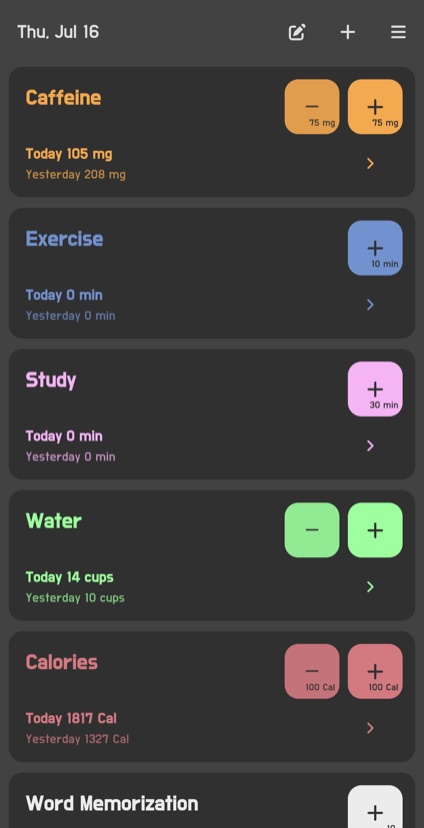
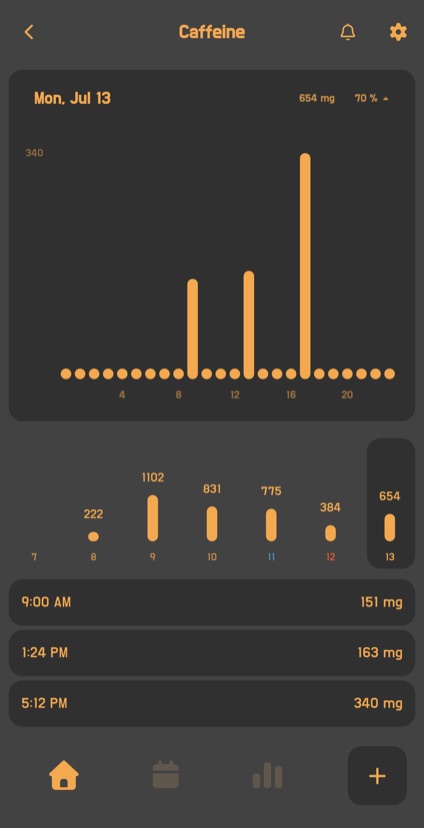
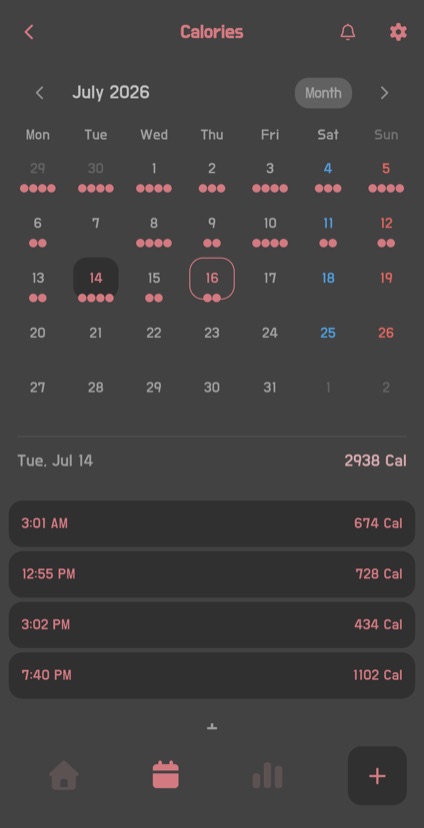
Screenshots
Use cases
Create a counter that fits anything you want to repeat, improve or reduce.
Log every glass of water, set a daily goal and use your stats to build a steady hydration habit.
Track study and focus time by subject, then review daily records and longer-term trends.
Count repeated exercises such as squats, push-ups and stretches, and see your progress toward each goal.
Record pages read or time spent reading, and see how your reading habit grows in charts and the calendar.
Count smoking, coffee or other habits you want to cut back, then compare changes by day and period.
Keep track of medication, plant watering, cleaning and other easy-to-forget routines in organized groups.
A closer look
Record numbers and time quickly, then use goals, charts and the calendar to see what is changing.
Use a number counter for quantities and repetitions, or a time counter for study, exercise and reading. Enter the time spent directly to keep an accurate record for each activity.
Set a goal for each day or for the full period, then compare it with your current record to understand your progress.
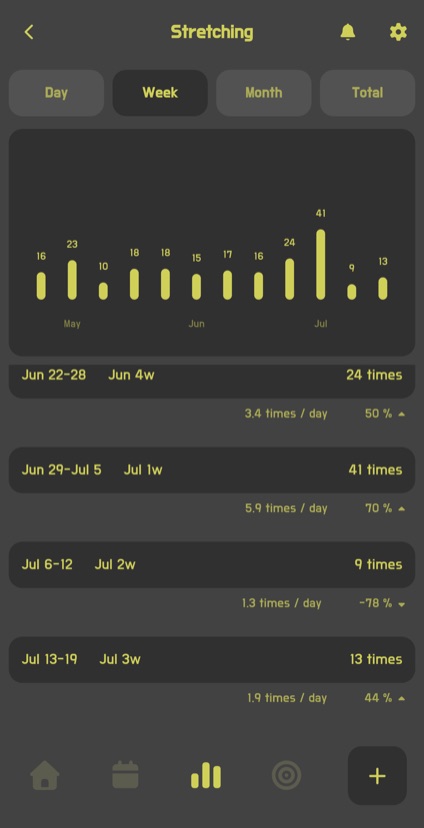
Review records by date, time of day and trend in clear charts to see when and how consistently you have tracked.
Keep frequently used counters on your home screen so important goals and records stay close at hand.
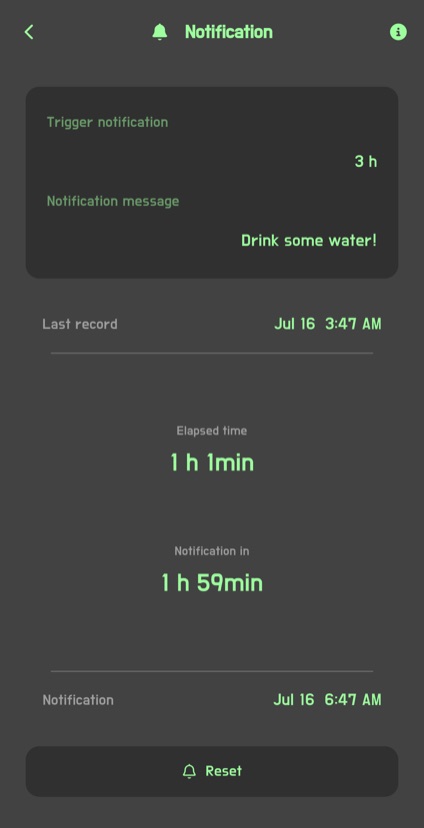
Get a reminder after your chosen interval has passed since the last record, helping you remember recurring activities.
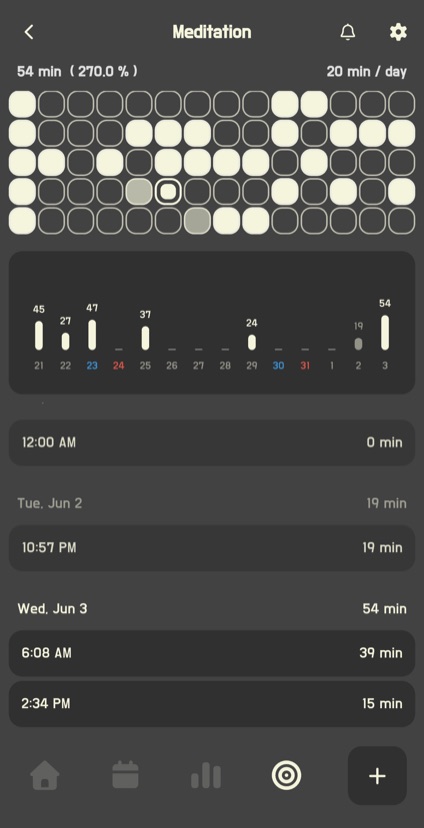
Review records and totals by date, and add or edit an entry whenever you need to correct your history.
Group related counters by purpose and arrange them in the order that works best for your routine.
FAQ
Learn how counters, goals, stats and widgets help you keep a record that fits your routine.
Daily Counter is a counter app and habit tracker for recording numbers, habits and time. Track repeated activities such as drinking water, studying, reading and exercising, then review your stats and progress.
Instead of only marking an activity complete, you can record its actual count or duration. That means you can see how many glasses of water you drank or how long you studied.
Yes. Use a number counter for quantities and repetitions, or a time counter for activities such as studying, exercising and reading. Enter the time spent directly to keep the duration of each activity in your records.
Yes. Add a memo when recording a number so you can keep useful context such as workout details, the subject you studied or how you felt that day.
Yes. You can record both whole numbers and decimal values, making it suitable for precise measurements such as body weight, water volume or exercise distance.
Yes. Turn the records from a period you choose into an easy-to-read image. It is useful for keeping a summary or sharing your progress with someone else.
Yes. Set the start of a day to match your routine. For example, if you choose 8:00 AM, records from 8:00 AM until just before 8:00 AM the next day are counted as one day.
Yes. Put related counters into groups and arrange them in your preferred order. For example, walking, stretching and exercise time can be managed in one workout group.
Yes. Receive a reminder after a chosen amount of time has passed since your last record, which is useful for activities repeated at regular intervals.
Yes. Use home-screen widgets to keep frequently used counters and record information easy to see.
Daily Counter is available for iPhone on the App Store and for Android devices on Google Play.
Free to download. Available on iOS and Android.